


TLDR
- AI agents such as ChatGPT and Copilot read product data from Shopify Catalog. Inclusion is automatic if your store and products meet the requirements.
- Check eligibility at Sales channels > Agentic > Sources > Shopify Catalog. A product count means you're in. Ineligible links to the reason and the fix.
- Common blockers: a store password, B2B-only mode, a plan below Starter, zero prices, missing images, and products hidden from search engines.
- The new Knowledge base page holds the non-product facts agents get, like return windows and shipping. Scanned facts wait for your approval, but admin-linked policies publish automatically.
- Shop Promise badges can rank higher in Shop search and in Catalog. US stores need Shop Pay, a US location, and tracking on at least 90% of eligible orders.
- Shopify says inclusion doesn't guarantee placement, and it hasn't published how much the badge moves rank.
If you sell on Shopify, AI shopping agents probably find your products through one place: Shopify Catalog. ChatGPT, Microsoft Copilot, Meta, Instinct, and other agents pull product information from it. Shopify's Fall '26 Edition, announced October 28, 2026, gave merchants three new controls over how that goes. This post walks through each one and what to do with it.
The short answer: check your Catalog eligibility in the admin and clear every blocker. Then review and publish the store facts agents read in your knowledge base. Then, if you sell in the US, qualify for Shop Promise, because badged products can rank higher in Shop search and in Catalog.
Why Shopify Catalog matters for AI shopping
Shopify Catalog is a structured index of products from eligible Shopify stores. Shop, AI platforms, and shopping agents use it to read titles, descriptions, images, prices, options, and availability. Shopify's Fall '26 Edition page says more than 1 billion products in the catalog can be discovered across AI channels.
Inclusion is automatic when your store and products meet the requirements. There is no application. That also means a store can fall out quietly. A password, a B2B-only setting, or a product hidden from search engines can keep products out, and nothing on your storefront will look broken.
Two limits are worth stating up front. Shopify says inclusion doesn't guarantee that a product appears in a given AI answer or ranks in a given position. Each connected channel also decides what it shows. If your store isn't eligible, some AI channels may still find your products through ordinary web crawling. You just lose the structured feed.
The developer side of this index changed too. On October 27, the Catalog API started returning brands that don't sell on Shopify. We cover that in Shopify Catalog adding brands that don't sell on Shopify. This post stays on the merchant side: getting in and moving up.
Check Catalog eligibility in your admin
Fall '26 added a view in the Shopify admin that shows whether your store is eligible for Shopify Catalog. It links to fixes for anything in the way.
Where to find it
In your Shopify admin, go to Sales channels > Agentic.
Find Sources > Shopify Catalog.
If you're eligible, you'll see the number of products in Catalog. Click it to review product data mapping.
If you see Ineligible, click it to read the reason and the suggested action.
If the page says eligibility details are temporarily unavailable, Shopify suggests checking back later and contacting Support if it persists.
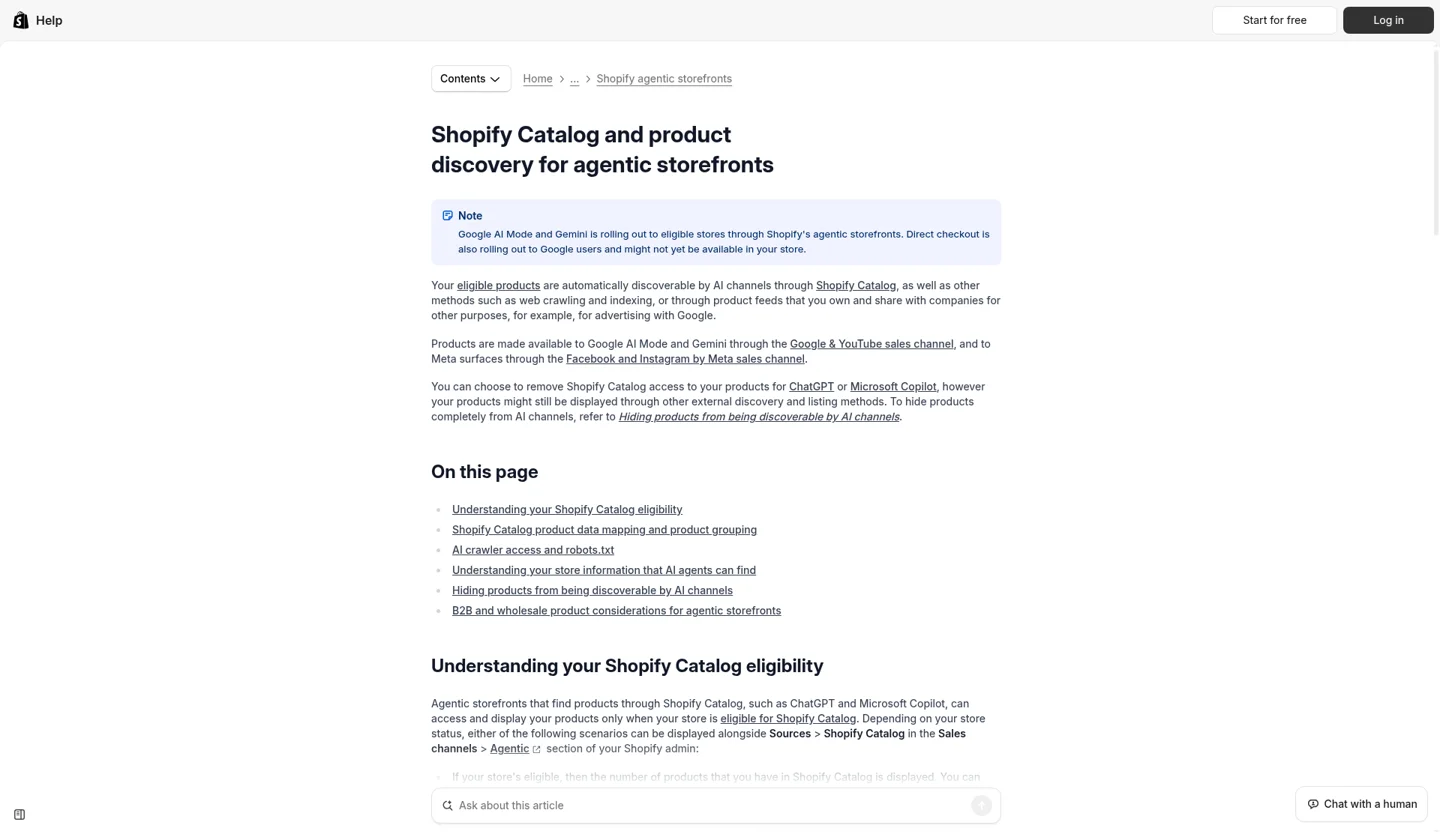
Shopify Help: Catalog eligibility for agentic storefronts, which covers the products that can be discovered through Catalog.
Store-level blockers to clear
The Help Center lists the messages you might see. The common ones map to simple fixes:
Plan doesn't support Catalog access. Move to the Starter plan or higher.
Store is password protected. Remove the online store password. Private mode keeps every product out.
Store only serves B2B customers. Turn off the B2B-only option if you also sell direct.
Development mode. Switch to a paid plan.
Account standing or history. Shopify reviews this over time. It points to verified email, two-step authentication, identity and business verification, prompt fulfillment, a low chargeback rate, and invoices paid on time.
Locked, restricted, or opted out of sharing with AI channels. These go to Shopify Support.
Product-level blockers to clear
A store can be eligible while some products stay out. Each product needs all of the following:
A title and at least one product image.
A price above zero. Free products are excluded.
Publication to the online store, Hydrogen, or Headless channel, with an identifiable product URL.
No Unlisted status, and not hidden from search engines.
No sensitive content, and not in a product category Catalog excludes.
Two of these are easy to miss. First, SEO cleanup sometimes hides products from search engines, and that also removes them from Catalog. Second, headless and Hydrogen stores must use the route format Shopify expects. A custom URL pattern can leave products without a URL Catalog recognizes. If you run a custom storefront, check this with your developer. Our Shopify Hydrogen work covers this kind of routing.
After you're in: improve the product data
Once you're eligible, product data quality is the main input you control. Shopify's guidance on optimizing for AI platforms lists the fields agents consider: title, description, images, type, vendor, collections, tags, barcodes such as GTIN or UPC, and variant option names. You can also map product data to different sources for Catalog without changing what shows on your store.
In practice, that means descriptive titles, real option names in place of "Default," and barcodes where you have them. We cover how agents read product pages in more depth in what AI shoppers need from furniture product pages. If your catalog relies on category attributes, our guide to Shopify category metafields for AI agents walks through mapping your products to the Shopify taxonomy.
Publish the store facts agents read in your knowledge base
Product data answers "what is this item." Shoppers also ask agents about the store. What's the return window? Do you ship to Canada? Is gift wrap available? Fall '26 moved those answers into a Knowledge base page under Sales channels > Agentic.
Shopify calls these facts the source of truth for AI agents for all non-product information about your store. When a shopper asks an agent about your store, the agent can query your knowledge base through the Storefront MCP.
What's in it
Shopify drafts the knowledge base from your public storefront and your admin data. It groups facts into categories, including:
About the store and brand identity
Company policies, with a flag for missing policies
Contact details
Gift services
Payment methods
Returns and warranty
Second-hand products
Fulfillment, such as international shipping, express delivery, or pickup
Additional facts you add yourself
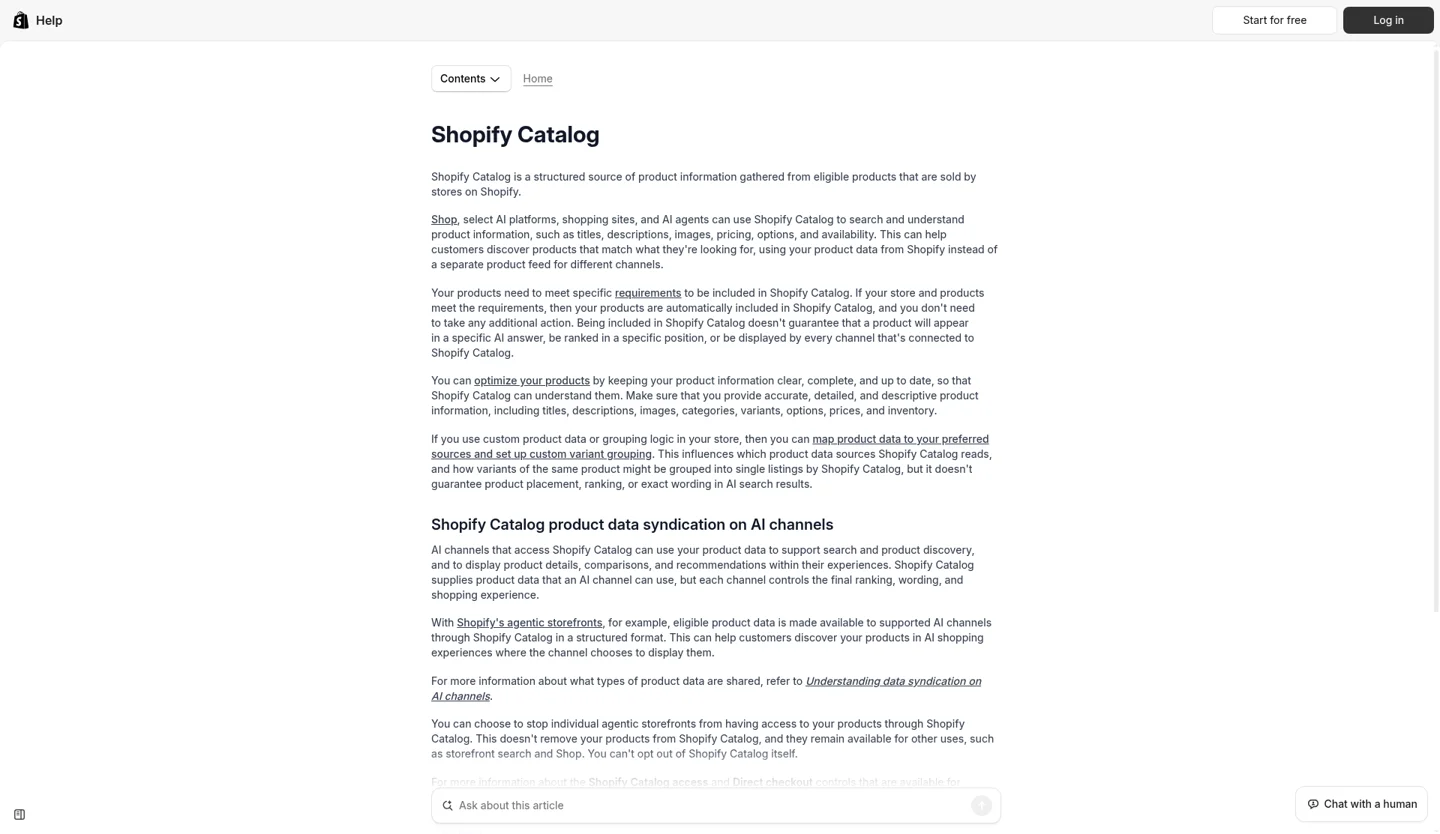
Shopify Catalog help overview: structured product data, requirements, and syndication to AI channels.
A publish workflow that holds up
Open it. Go to Sales channels > Agentic, then Sources > Knowledge Base. You need to be the store owner or have the Agentic permission.
Know what's already live. Facts that Shopify scans from your storefront stay unpublished until you publish them. Facts linked to your admin, such as policies and contact details, publish when Shopify creates them. Review those first, because agents may already be reading them.
Check each field's source. Every field shows whether it came from a storefront scan, an admin setting, or manual entry. Fix wrong admin-sourced facts at the source in your admin so the store and the knowledge base agree.
Publish what's right. You can publish or unpublish everything, one category, or a single field.
Add the facts shoppers ask about. Use Additional facts for things like your loyalty program, materials, or certifications. Pick Paragraph, Yes/No, or Tags as the type. Add a public reference URL so the answer has a source.
Handle suggested updates. Shopify rescans your store and offers changes for you to approve or reject. It never changes knowledge base content on its own.
Rescan after big changes. After a policy update, click Request rescan. It can take up to 48 hours. Scans don't always catch every change, so edit important facts directly.
Limits to plan around
Your published knowledge base is public through the Storefront MCP. Shop and third-party AI channels can use it. Don't publish anything you wouldn't put on your site.
The knowledge base holds 1,000 facts in total.
Password-protected stores only get facts from admin data, because the scan can't reach the storefront.
Custom storefronts and stores on the Agentic plan can add only additional facts.
The older Shopify Knowledge Base app is being retired on January 15, 2027. Stores with 1,000 or fewer facts there were moved over automatically. Stores with more need to move the extra facts by hand before that date.
How Ask uses these facts
Shopify's developer docs describe an Ask tool, ask_business, that answers shopper questions about a store's policies and services. It draws on the store's knowledge base and policies. The Fall '26 notes describe it as grounded in facts the business published. Ask is still part of the draft version of the Universal Commerce Protocol, so agent support will vary for now.
For merchants, the takeaway is plain. If an agent gets your return window wrong, the first place to look is your knowledge base and your policies. If you're building your own agent or storefront assistant on top of this, our MCP server work is a useful starting point.
Qualify for Shop Promise to rank higher
Shop Promise is a free Shopify program for eligible US stores. It shows a badge on qualifying products that highlights trusted delivery and returns. The badge appears on product pages, at checkout, and in the Shop app.
The ranking part is new and specific. Shopify's Fall '26 announcement says badged products can rank higher in Shop app search and in the Shopify Catalog data that shopping agents use. Shopify also says merchant eligibility has grown 20x. Shopify hasn't published how much the badge moves rank, so treat it as one input among several.
Store requirements
An active Shopify plan.
At least one active US location that fulfills US orders.
Shop Pay turned on.
Tracking on at least 90% of eligible orders.
An account in good standing.
Eligibility is checked every day. No invitation is needed. Your status shows on the Shop Promise card in shipping and delivery settings as Eligible, Not eligible, Active, or Paused. Each unmet requirement has an action, such as Manage locations or View tracking coverage.
Which products get the badge
You can't pick products. Each product is assessed for each benefit:
Trusted delivery is set per product category. Shopify compares time from order to first carrier scan against a target for that category. It only shows when automated delivery dates are on.
Free returns shows when your return rules offer free return shipping and no restocking fee.
Returns accepted shows when returns are allowed but fees may apply.
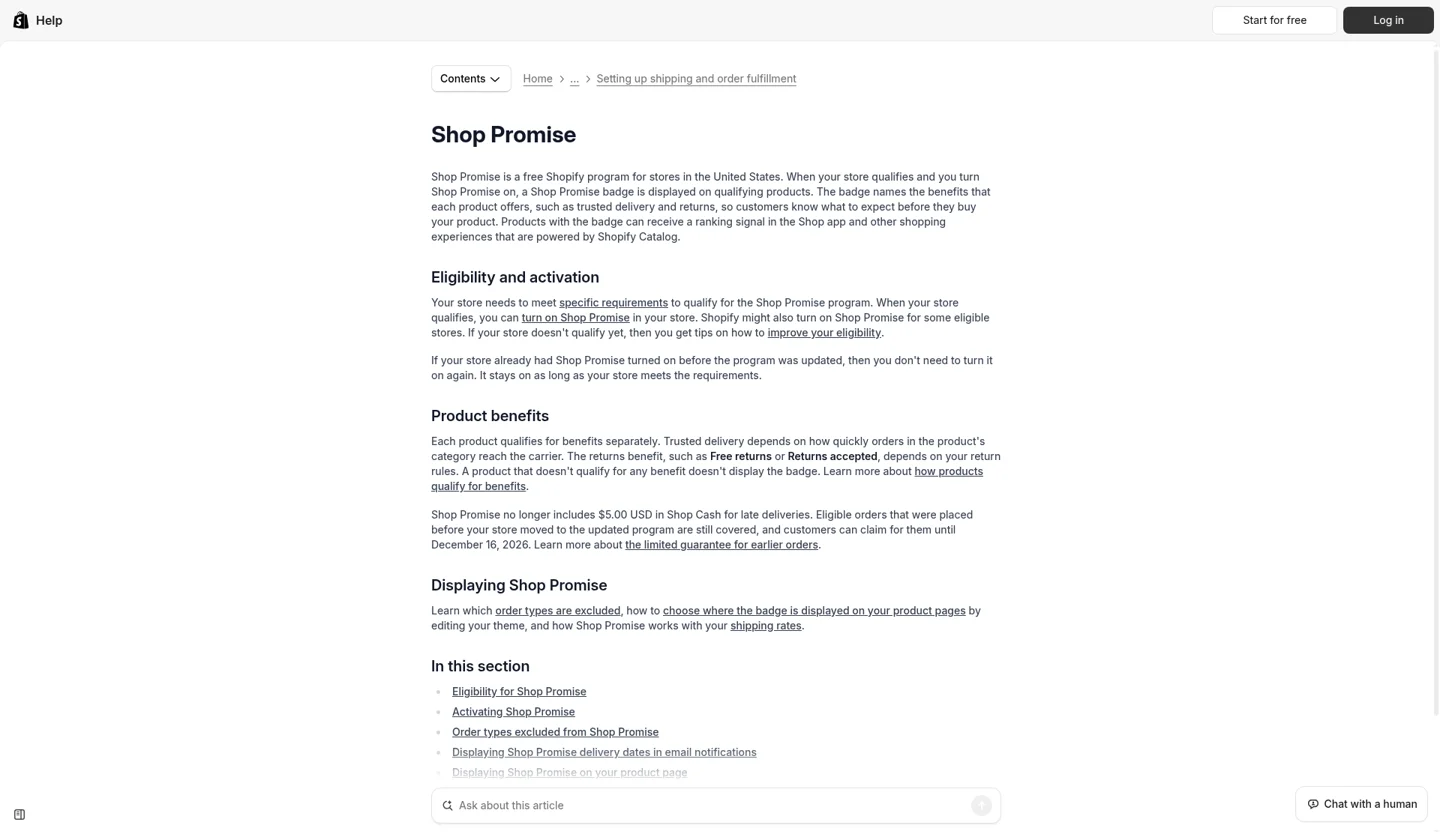
Shopify Help: Shop Promise eligibility, and how the badge shows on qualifying products.
Final sale items get no returns benefit. A product with no benefits gets no badge.
So the levers are operational. Faster handoff to the carrier helps Trusted delivery. Turning on automated delivery dates makes it visible. Clear return rules decide the returns benefit. These are fulfillment and policy decisions as much as marketing ones.
One timing note: the updated program is rolling out gradually. Shopify's merchant terms say the older late-delivery guarantee ends for orders placed on or after October 29, 2026. Check which version your store is on before you change messaging.
What to audit first
If you only have an hour this week, work in this order:
Sales channels > Agentic. Confirm Shopify Catalog shows a product count. If it says Ineligible, fix that first. Nothing else matters until it does.
Compare product counts. If Catalog shows far fewer products than you sell, look for missing images, zero prices, Unlisted status, or products hidden from search engines.
Knowledge base. Read the admin-sourced facts that are already published. Then review and publish scanned facts for returns, shipping, and payment.
Policies. Fill any missing policy the knowledge base flags. Agents use these to answer return and shipping questions.
Shop Promise. If you sell in the US, open the Shop Promise card and check tracking coverage. Ninety percent is the line.
Automated delivery dates and return rules. Turn on delivery dates if your fulfillment supports them. Decide whether free returns make sense for your margins.
Most of this is admin work a store team can do. The harder cases are headless routes, custom product data mapping, and stores that sync product data from an ERP. Our Shopify and ecommerce development teams handle that kind of work. If you're also tuning content for AI answers more broadly, see our AI SEO service.
How we know, and what we don't
We built this from Shopify's Fall '26 merchant announcement and the Fall '26 Edition page. We checked each step against the Shopify Help Center pages for Catalog, knowledge base, and Shop Promise. We also read the Ask MCP developer docs. Every admin path above comes from those pages, read on October 29, 2026.
What we don't have: data on how much Shop Promise lifts rank, or how each AI channel weighs Catalog data against other signals. Shopify says inclusion doesn't guarantee placement. Shop Promise is US-only, and its updated program is still rolling out. Admin labels may change as Shopify ships the redesigned admin. If your admin looks different, the Help Center pages below are the current reference.
For a related look at what happens after an agent finds a product, see which AI checkouts skip your Shopify checkout customizations.
Last reviewed: November 9, 2026.
Sources
Exponential: Shopify's Fall '26 Edition, Shopify News, October 28, 2026 (accessed October 29, 2026).
Shopify Editions, Fall '26, Shopify (accessed October 29, 2026).
Shopify Catalog, Shopify Help Center (accessed October 29, 2026).
Requirements for being included in Shopify Catalog, Shopify Help Center (accessed October 29, 2026).
Shopify Catalog and product discovery for agentic storefronts, Shopify Help Center (accessed October 29, 2026).
Optimizing your products for AI platforms, Shopify Help Center (accessed October 29, 2026).
Answering customer questions with your knowledge base, Shopify Help Center (accessed October 29, 2026).
Ask MCP, Shopify developer docs (accessed October 29, 2026).
Eligibility for Shop Promise, Shopify Help Center (accessed October 29, 2026).
Setting up automated delivery dates, Shopify Help Center (accessed October 29, 2026).
Shop Promise Merchant Terms, Shopify, updated October 28, 2026 (accessed October 29, 2026).
Working through Catalog readiness?
Maybe your store is ineligible for reasons you can't trace. Maybe your product data comes from a system outside Shopify. Either way, we're glad to work through it with you as a partner. Talk Through Your Integration.
Frequently asked questions
How do I know if my store is in Shopify Catalog?
In your Shopify admin, go to Sales channels > Agentic and look at Sources > Shopify Catalog. A product count means your store is eligible. An Ineligible warning links to the reason and the suggested fix.
Why would some of my products be missing from Shopify Catalog?
Each product needs a title, at least one image, a price above zero, and an identifiable product URL on the online store, Hydrogen, or Headless channel. Products that are Unlisted, hidden from search engines, sensitive, or in excluded categories stay out. See Shopify's Catalog requirements.
Does Shopify publish knowledge base facts without my approval?
Facts Shopify scans from your storefront stay unpublished until you publish them, and suggested updates need your approval. Facts linked to your admin, such as store policies and contact details, are published when Shopify creates them. Review those first.
Is my knowledge base private?
No. Shopify says the published knowledge base is publicly available through the Storefront MCP, and Shop and third-party AI channels can use it. Only publish facts you would put on your site.
Does Shop Promise help my products rank in AI shopping?
Shopify says products with the Shop Promise badge can rank higher in Shop app search and in the Shopify Catalog data shopping agents use. It hasn't said by how much. Shop Promise is for eligible US stores.
What do I need for Shop Promise?
An active Shopify plan, at least one US location that fulfills US orders, Shop Pay turned on, tracking on at least 90% of eligible orders, and an account in good standing. Products then earn Trusted delivery or a returns benefit based on fulfillment speed by category and your return rules.
Does this apply to headless or Hydrogen stores?
Yes. Products on Hydrogen or Headless channels can be included in Catalog if their routes use the format Shopify expects. Custom storefronts can add only additional facts to the knowledge base. We cover Catalog API changes for developers in our post on brands that don't sell on Shopify.