


Shopify POS Development for Showroom Retail
Associate workflows that stay inside Shopify
Consultative retail depends on context across visits: quotes, holds, delivery windows, and manager visibility. Default POS screens rarely carry a multi-day deal from the first conversation to checkout.
We build Shopify POS extensions, showroom apps, and cart handoff so associates stay in Shopify while STORIS or your ERP keeps inventory and fulfillment truth when that is your operating model.


- 4.9 / 534 Clutch reviews
- Since 2000experience that compounds
- 300+clients served







When floor selling needs more than a default checkout terminal
Disconnected floor tools
Multi-visit deals
Default POS mismatch
Cart handoff gaps
Reporting outside Shopify
ERP data not on the floor
We build the relationship layer inside Shopify
Rapora on Shopify
Mattress Warehouse scale
Senior-led delivery
Guide, remember, continue, and close
Workflow discovery
POS + showroom architecture
Custom tiles and cart fetch
Pilot, train, operate
Moving to Shopify POS
- Customer records, open carts, and gift-card balances migrate only where Shopify POS can own them going forward.
- Product and inventory truth usually stays in STORIS or your ERP; Shopify locations receive the sellable view associates need on the floor.
- Payment terminals, receipt printers, and per-store Wi-Fi are validated in a pilot before wider rollout.
- Legacy POS exports inform historical reporting; day-forward selling runs in Shopify POS with middleware reconciliation.
Which System Owns What
Typical furniture and showroom programs. Your STORIS license and API access may shift which fields are real-time versus batch.
| Area | System of record | Notes |
|---|---|---|
| Showroom quotes and customer context | Shopify + showroom app | Associate-built carts, notes, and follow-ups live in Shopify or Rapora until checkout. |
| POS checkout and payments | Shopify POS | Tiles and cart fetch bring showroom carts to the terminal without re-keying. |
| Available-to-promise and warehouse stock | STORIS or ERP | Middleware exposes ATP to the floor when your license includes the needed APIs or exports. |
| Fulfillment and delivery scheduling | STORIS or ERP | Line-level split fulfillment can route showroom lines to STORIS while other lines stay in Shopify. |
| Product master and cost | STORIS or ERP | Shopify receives the merchandising view your team sells from on web and POS. |
Shopify POS Programs
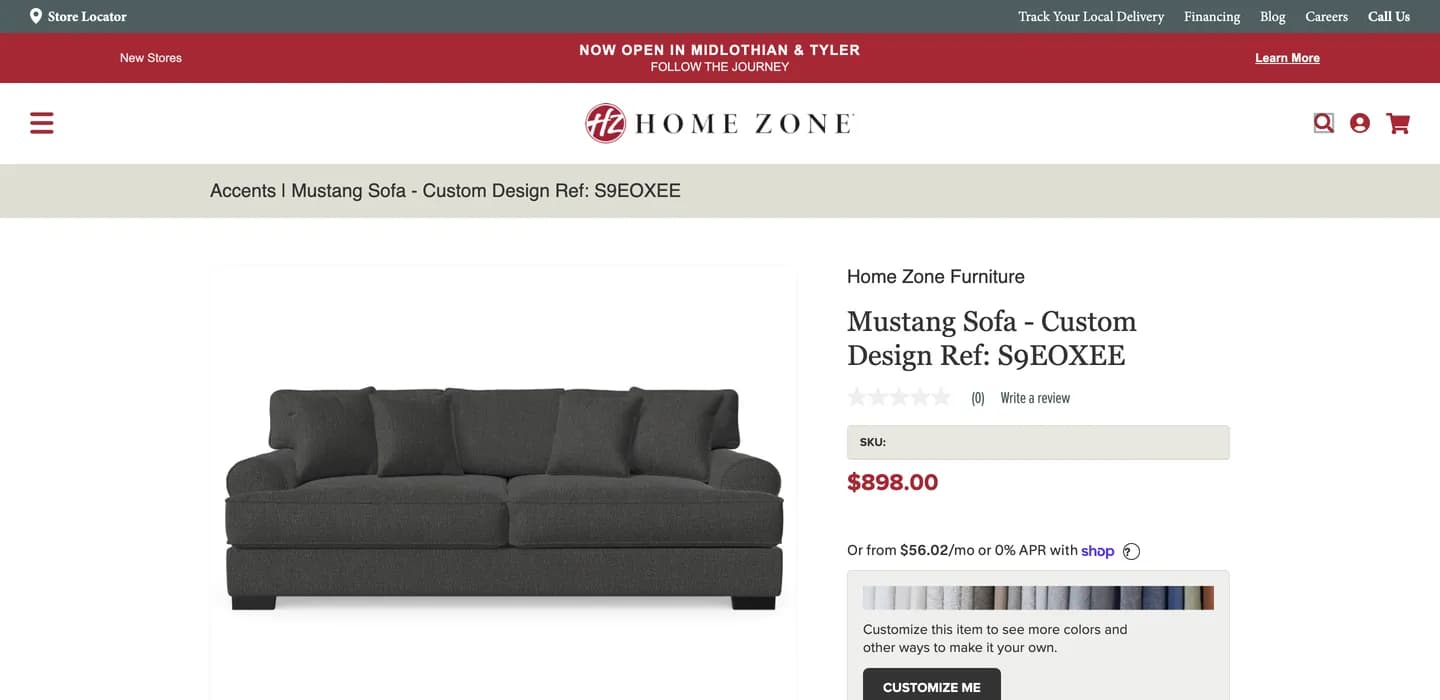
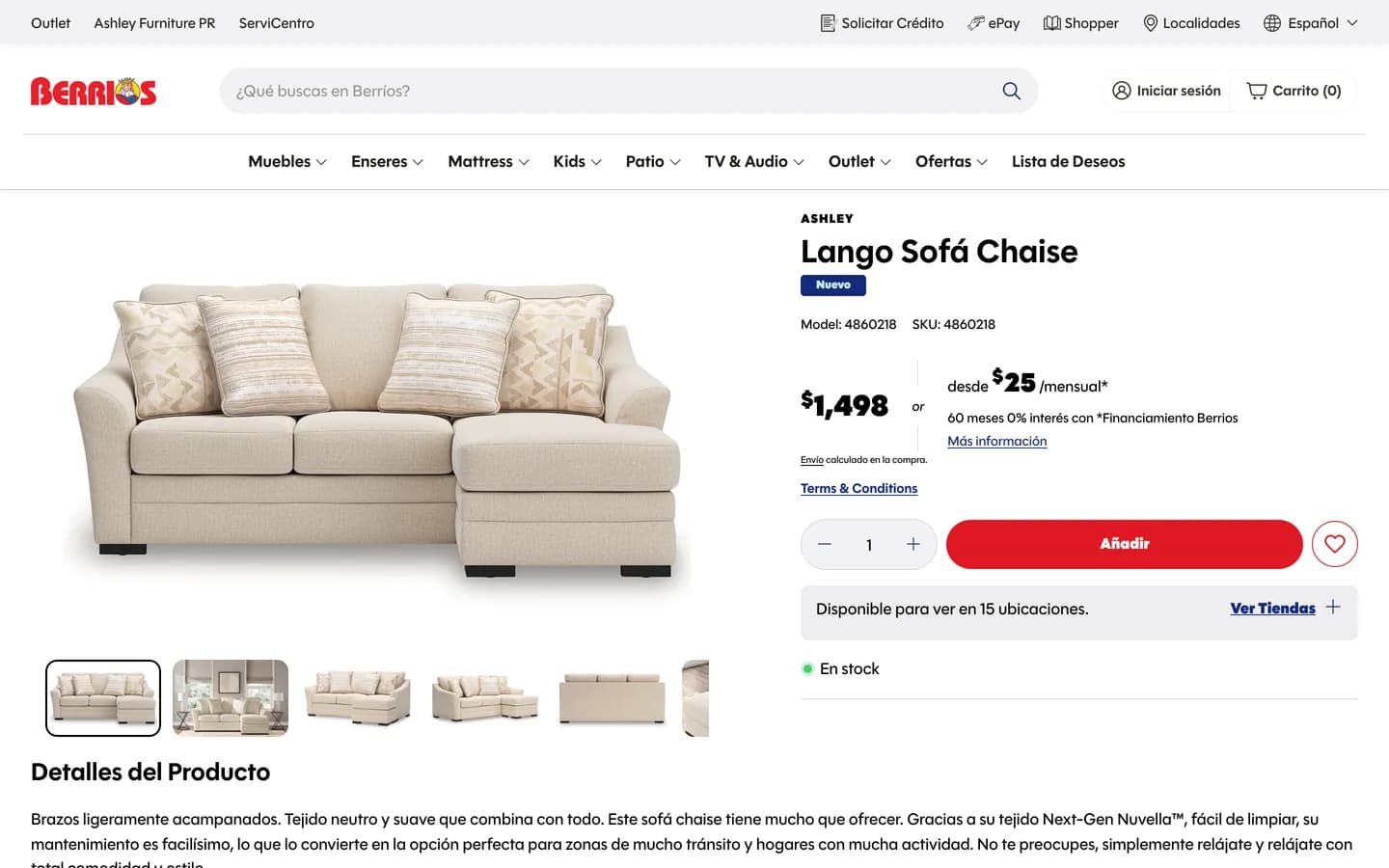
Tiles, cart fetch, Hydrogen showroom, and ERP middleware
POS UI extensions
Cart transfer to POS
Hydrogen showroom apps
STORIS and ERP middleware
Associate attribution
Shopify development
Shopify engineering and furniture retail depth
Furniture ecommerce
Shopify STORIS integration
ERP and back office
Guides from Our Engineers
The People Leading Your Work
 Gabriel RichardsFounder and CEOSince 2000
 Roberto OlmosChief Technology OfficerSince 2004
 Cheyne PhillipsChief Operating OfficerSince 2014
 Jonathan AndersonChief Solutions OfficerSince 2017
We Guarantee...
Firm Quoted Price
The approved proposal price stays firm unless you approve a change in scope.
Detailed Written Plan
Scope, decisions, dependencies, and phases are documented before major implementation.
Steady Cadence
Progress and working decisions arrive on an agreed, dependable rhythm.
Prompt Communication
Questions and issues are acknowledged promptly, with clear ownership and next steps.
Frequently Asked Questions
Can Shopify POS handle multi-visit showroom sales?
Yes, when you pair Shopify POS with a showroom app or custom associate workflow. Associates can save carts, notes, and follow-ups across visits, then fetch the cart on a POS terminal when the customer is ready to pay. Manager visibility stays in Shopify admin instead of spreadsheets on the side.
What can a custom POS tile do?
POS UI extensions can open showroom links, fetch a saved cart, apply associate attribution, or trigger middleware calls that respect Shopify permissions. Tiles stay inside the POS app associates already train on, so you add capability without a separate checkout terminal workflow.
How does cart handoff from tablet to POS work?
An associate builds the cart on a tablet showroom app or Hydrogen experience tied to Shopify. At checkout, a POS tile or deep link retrieves that cart on the register, preserves line items and discounts, and completes payment in Shopify POS. We design the handoff so inventory and customer records stay consistent.
Can POS show STORIS inventory?
Yes, when middleware maps STORIS ATP and location stock into Shopify locations your POS sells from. Furniture programs often keep STORIS as the ERP and expose showroom-ready availability to associates during the sale, with reconciliation if web and store pools diverge.
How do we migrate from our current POS?
We inventory hardware, payment flows, gift cards, and associate habits, then define what moves into Shopify POS versus what stays in STORIS or your ERP. Pilot stores prove cart handoff, returns, and reporting before a wider rollout. Legacy POS data exports feed customer and order history only where Shopify can own the record going forward.
What does Rapora add over default POS?
Rapora is our packaged showroom app for Shopify: catalog browsing, customer profiles, quotes, and Fetch Rapora Carts on POS devices. Default POS is strong for checkout; Rapora adds the consultative layer on the floor and hands off to POS when it is time to pay. Enterprise teams with unique ERP rules may still need custom Hydrogen and middleware instead of the packaged app.
Last updated: October 20, 2026